Hey everyone!
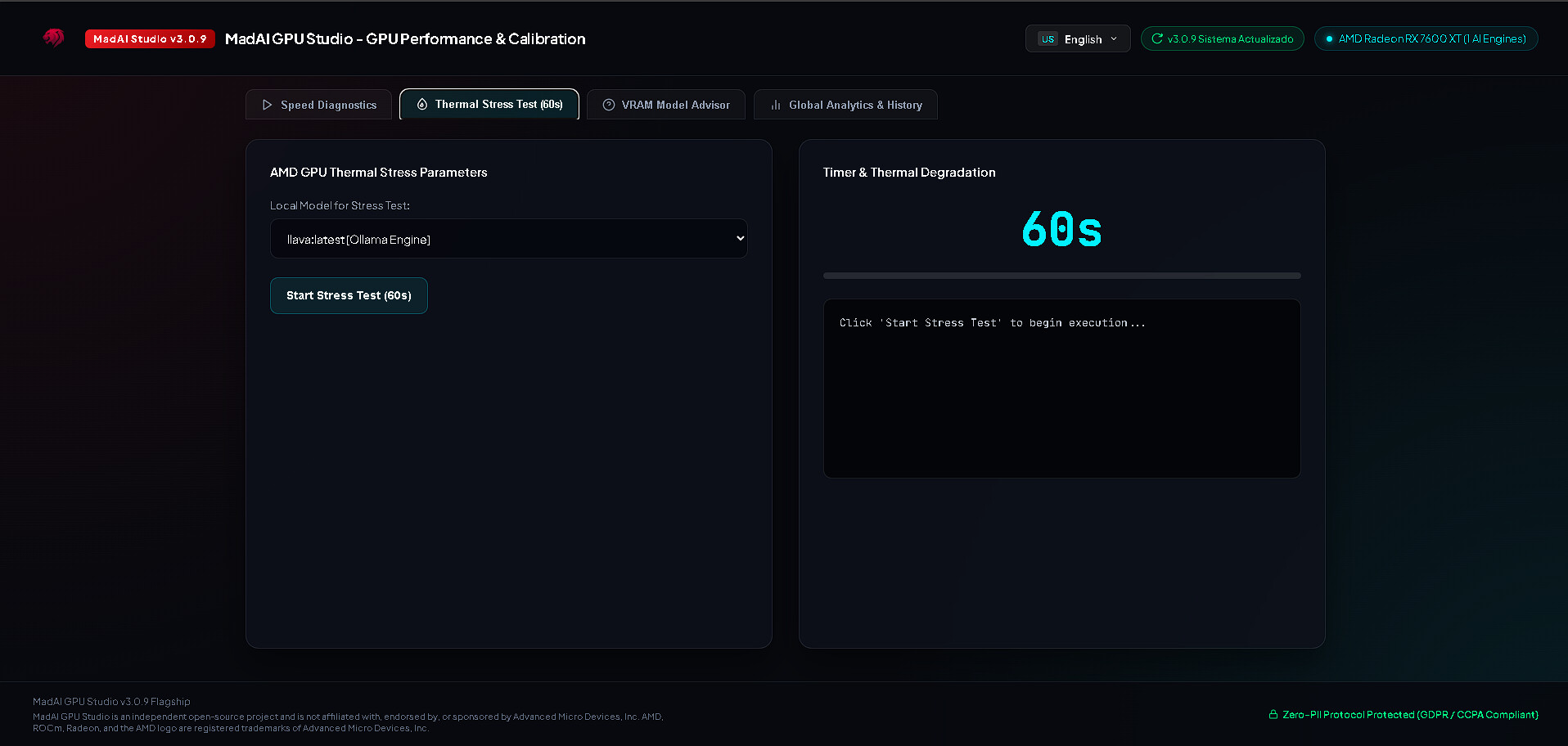
I wanted to share MadAI GPU Studio (v3.0.9), a free open-source tool I’ve been building to make running local LLMs easier and faster—especially on AMD Radeon/ROCm, but also on NVIDIA and Apple Silicon.
What it actually solves right now:
-
No more Out-Of-Memory (OOM) crashes: It automatically calculates your optimal context limit (
num_ctx) so your VRAM never overflows. -
Real-time speed benchmarks: Compares your local GPU’s tokens/sec side-by-side against cloud APIs (like OpenAI, Claude, or Groq).
-
1-Click Auto-Updater: Updates itself smoothly directly from GitHub releases without downloading ZIPs manually.
-
Zero-setup launchers: Just double-click
run_studio.baton Windows orrun_studio.shon Linux/macOS.
Where we’re taking this next (Looking for contributors!): I’m scaling this step-by-step into a full toolset for AMD AI development. Here is what’s in the works:
-
CUDA-to-ROCm Transpiler: A built-in helper to convert CUDA/PyTorch scripts to AMD HIP/ROCm smoothly.
-
On-Device Auto-Quantizer: Automatically quantize models to fit your exact VRAM budget.
-
Hybrid NPU + dGPU Offloader: Layer-splitting between integrated Ryzen AI NPUs and dedicated Radeon GPUs.
Check out the code or download the release here:  GitHub Repo: GitHub - MauricioDaneri/MadAI-GPU-Studio: Enterprise Benchmark, Auto-Tuner & VRAM Advisor Studio for AMD GPUs (ROCm + Ollama). Real-time speed metrics, thermal stress testing, and multi-language UI (ES, EN, PT, DE, FR, ZH, JA). · GitHub
 v3.0.9 Release: https://github.com/MauricioDaneri/MadAI-GPU-Studio/releases/tag/v3.0.9
Any feedback, ideas, or PRs are super welcome. Let me know what you think!