Hello, I’m doing the ROCm Certified Associate program and I finished the first lab of the final course, but it doesn’t automatically mark as finished like the previous labs in the previous courses. I was wondering if there’s a way to mark the lab as finished that I’m missing.
Yeah I’ve tried redoing the lab multiple times and the course page was open on another tab every time. Tried re-signing in and didn’t work. I’m seeing others reported after me errors on labs in courses before me, which is weird since they worked for me a few days ago. Likely someone pushed code that broke the completion-tracking for all of the labs. I’m not exactly sure how I would contact the program support team besides this AMD Developer Community forum we’re already in and the Discord server which I’ve already reported this on.


I have completed my ROCm Certified Associate learning path, but while doing it I have got the same issues. I had to be navigating in and out of the course and also the labs where shows were still running after completion, I had to make sure to kill the notebooks. The last lab for the learning path was showing as incomplete even after completing the final exam. Only by viewing the course status from different parts within the AI Academy Program space the last lab was shown as completed. The only problem now on my profile summary reports the last or 5th module incompleted or less than 100%.

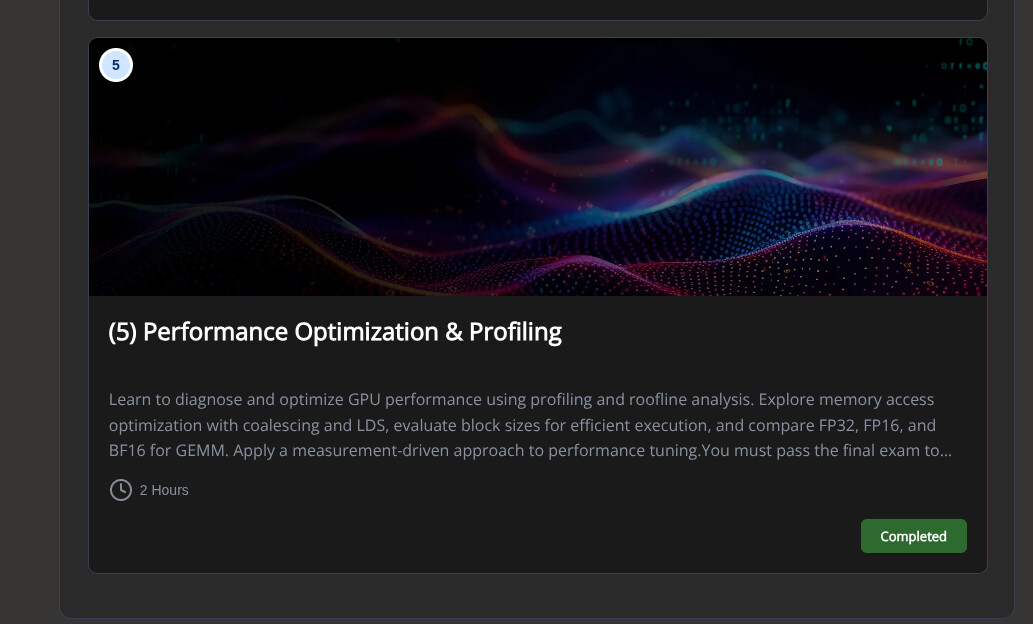
Could you explain more in detail what you did exactly to get them mark as completed? What do you mean by “navigating in and out of the course”? Where do you view the course status from different parts of the AI Academy Program space—can you send links? I only know to view it from the following screenshots:
(my profile)

(course page)

Hello, sorry to hear this is preventing you from finishing the labs. This has affected most of the users so It is a widespread issue, and I saw an admin confirm it in Discord thread and mention he’s working on it. So you are not alone in this, thanks for the patience.
Hello, thank you for the report.
I’ve sent the details about this to the team responsible for the ROCm Certified Associate program and we’re currently investigating it and working on a fix.
I’ll keep you updated

Thanks for flagging this!
We’ll post an update here as soon as we have more to share.
The issue is resolved now. Thank you!
解决方案:打开题目之后会跳转到新标签页,点击运行所有程序,当能运行的程序都变成绿色之后,拉到网页最下面出出现开始新的课程,不要关闭页面,回到题目页面刷新网页,就会提示完成当前课程了。

Got the certification! This issue has been fixed, thank you all for your help .
Hey, the lab completion tracking has now been restored. Please close existing labs, re-open and complete them again. Apologies for the inconvenience.